Your footage. Your timeline. Your finished muse wonder filmcraft story.
muse wonder filmcraft brings the open-source FilmCraft editing engine into a browser workspace, alongside the AI tools already available here. Start with footage you own, arrange a sequence, and make creative decisions directly on the timeline. You control where each shot begins, what the audience hears, and when a title appears. Import, edit and preview freely before signing in; saving a project or an exported result requires verified login and does not spend generation credits.
The open-source FilmCraft editor provides a familiar workspace for keeping media, preview, timeline, and creative controls close at hand. Move between the overall sequence and individual shots without losing the story you are building. musewonderai.app adds account access and private result storage, so completed saves stay associated with your account. The original FilmCraft authors and licenses are credited in the workspace.
Use muse wonder filmcraft for a product demonstration, a short documentary, a lesson, or a personal story. Begin with a small sequence, preview picture and sound together, and export a test before building a longer cut. Browser performance depends on your device, footage, and available graphics support. Keep original media on your device and retain a local project copy while you work.
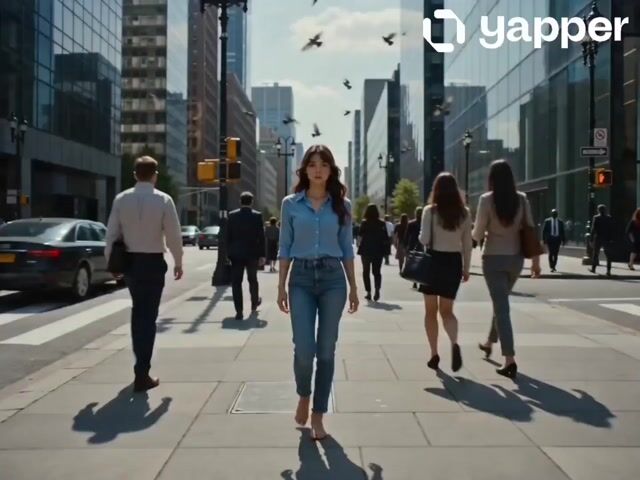
Existing AI examples are creative references; they are not demonstrations of the browser editor's output or rendering speed.
 muse wonder